Blog/
Multi AI Workspace for Teams: How to Use GPT, Claude, and Gemini in One Place
By Vladimir Krstic, Founder at Intrascope
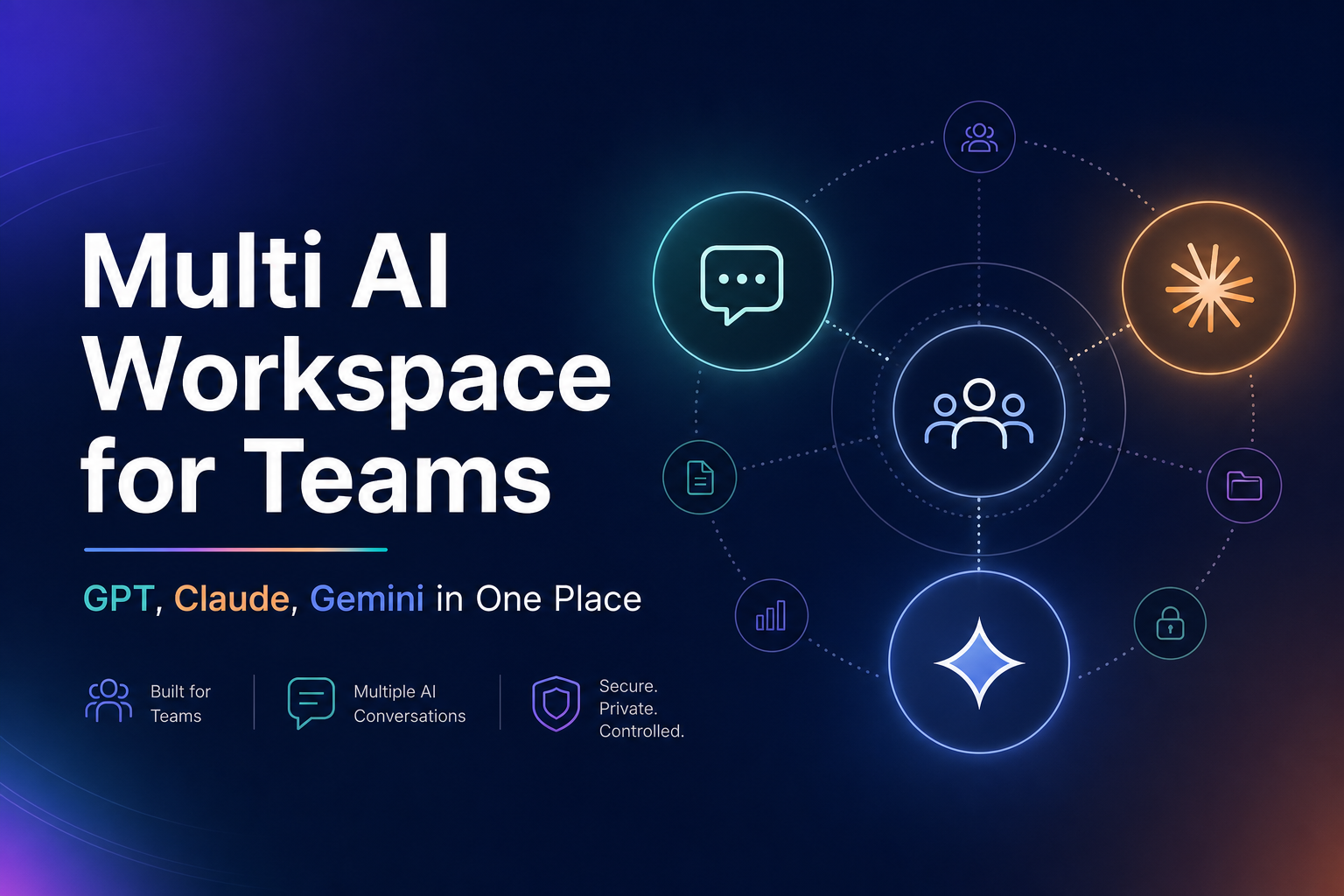
A multi AI workspace for teams is what companies need once AI stops being a solo experiment and becomes daily infrastructure. Marketing uses Claude. Engineering uses ChatGPT. Operations tries Gemini. Finance sees three invoices and no unified view.
This is the normal pattern in 2026. The problem is not using multiple AI models. The problem is using them without structure. This guide explains how teams run multi AI workflows in one place, cut cost, and keep governance intact.
What multi AI actually means for teams
Multi AI means your organization deliberately uses more than one model or provider based on task type, not personal preference. Instead of forcing every request through a single chat subscription, teams route work to the model that fits best.
- OpenAI models for coding, structured output, and general reasoning
- Claude for long-form writing, analysis, and nuanced documents
- Gemini for multimodal tasks and certain Google-ecosystem workflows
- DeepSeek, Mistral, or lighter models for summaries and high-volume tasks
The advantage is clear: better output quality, lower cost, and less vendor lock-in. The challenge is operational. Without a multi AI workspace, every new model adds another login, another bill, and another silo.
For the strategic case behind this shift, read our article on multi AI models strategy.
The broken setup most teams have today
Take a 10-person company after six months of AI adoption.
- Four people pay for ChatGPT Plus at $20 each
- Three people use Claude through personal or team accounts
- Two people experiment with Gemini or free tools
- One person built a custom setup with API keys in a private tool
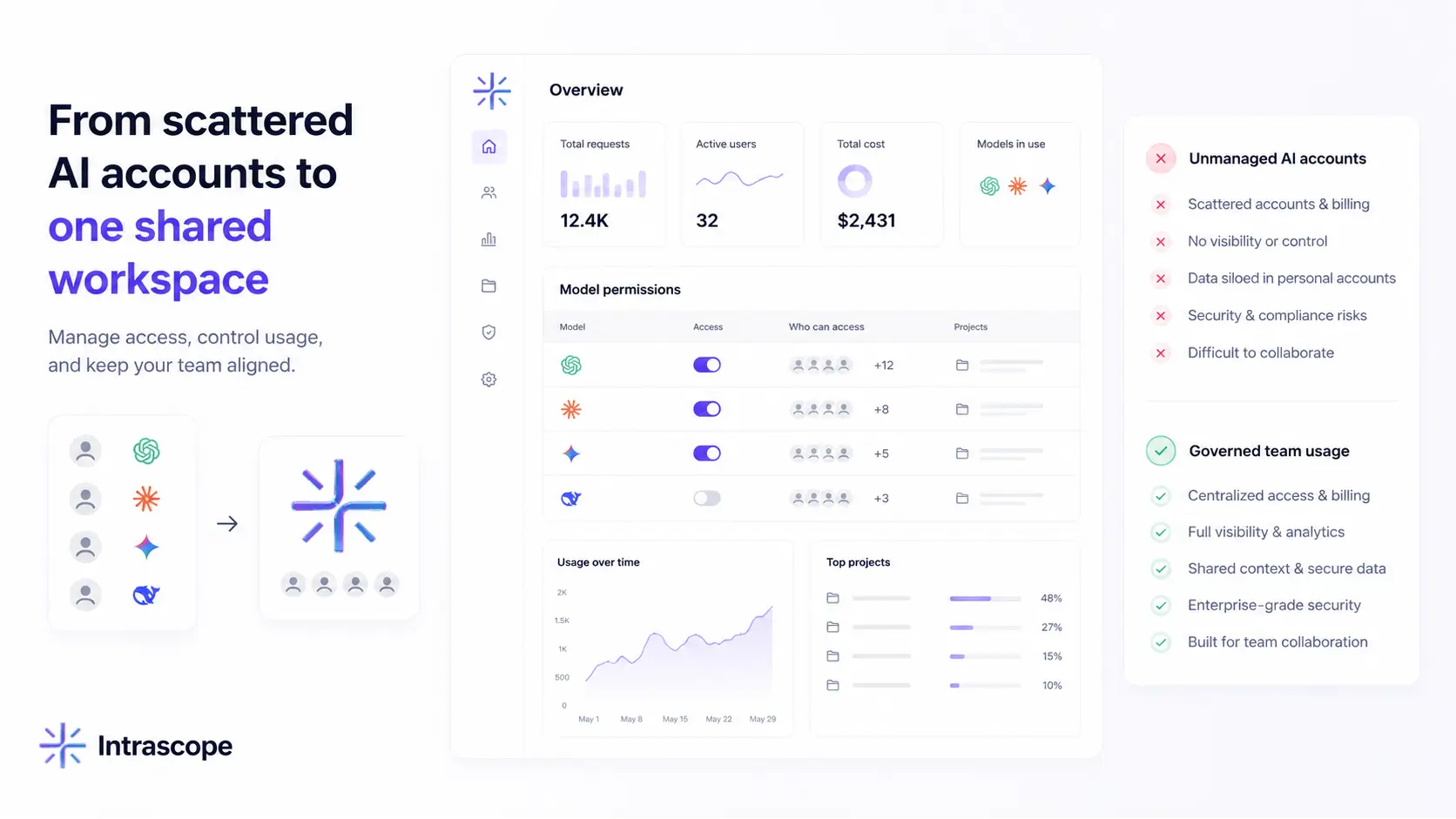
Everyone is using AI. Nobody is managing it. Context lives in private chats. Client data sits in personal accounts. Admins cannot see total spend. Prompts get duplicated. Outputs vary wildly between team members.
This is multi AI without a system. It creates speed for individuals and chaos for the company.
Which model for which task
The first step toward a working multi AI workspace for teams is a simple routing mindset. Not every task deserves your most expensive model.
| Task type | Typical best fit | Why |
|---|---|---|
| First drafts and brainstorming | Mid-tier or fast models | Speed matters more than depth |
| Client-facing copy and strategy | Claude or premium GPT | Tone, nuance, and long context |
| Code generation and debugging | GPT or specialized coding models | Strong tooling and structured output |
| Summaries and formatting | Lightweight models | Low cost at high volume |
| Complex reasoning and analysis | Premium reasoning models | Accuracy on high-stakes decisions |
| Multimodal or document review | Gemini or vision-capable models | Native support for files and images |
When teams pick models manually across separate tools, this logic breaks down. People default to whatever they opened first. Premium models get used for simple tasks. Cheap models never get tried because switching tools is annoying.
A multi AI workspace fixes that by keeping every model one click away inside the same project.
Why multi AI fails without centralization
1. Fragmented context
Each tool has its own chat history. Brand guidelines, product specs, and client briefs get retyped in every platform. Token waste goes up. Consistency goes down.
2. No cost visibility
Subscriptions hide real usage. API keys in personal dashboards hide team impact. Leadership cannot answer basic questions about spend by project or department.
3. Governance gaps
Sensitive data ends up in personal accounts. Model policy does not exist. There is no audit trail for who used what on which client project.
4. Adoption friction
Non-technical team members will not juggle five interfaces. They pick one tool and ignore the rest, which defeats the purpose of multi AI.
Centralization is not bureaucracy. It is what makes multi AI for teams usable at scale. See AI governance for teams for the control side of this equation.
What a multi AI workspace should include
If you are evaluating tools or building an internal setup, a real multi AI workspace for teams needs more than a model picker.
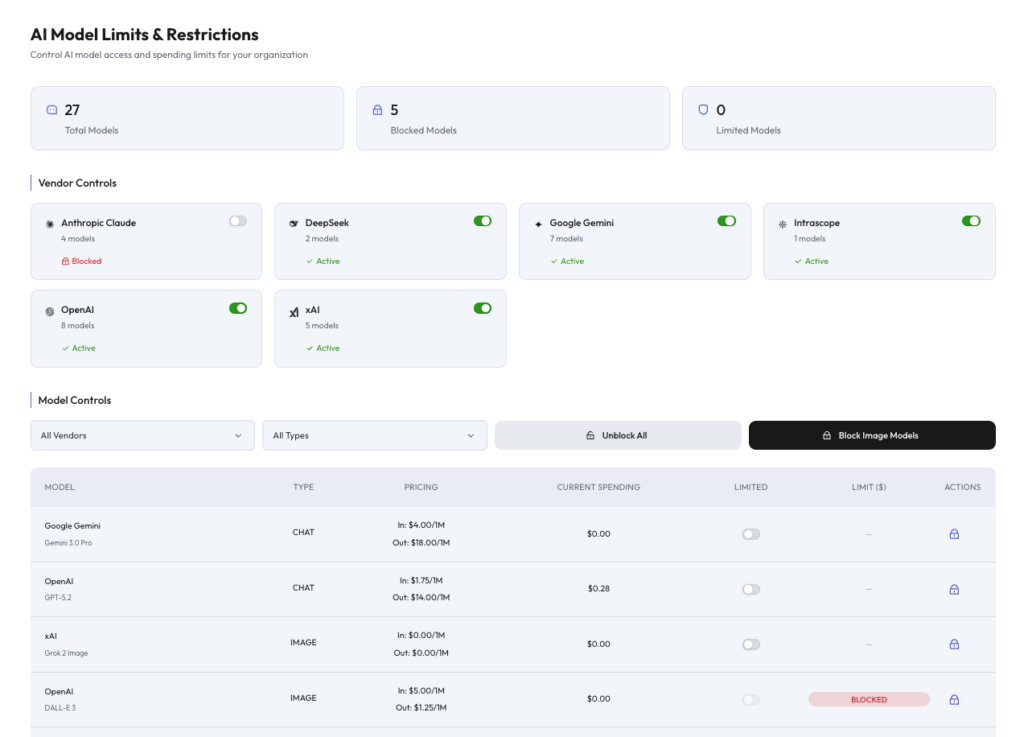
- Multi-provider access — OpenAI, Anthropic, Google, DeepSeek, Mistral, xAI, Qwen, and more from one interface
- Projects — separate clients, departments, and initiatives
- Shared Manifests — reusable context for tone, rules, and company knowledge
- Usage analytics — tokens and cost by user, project, and model
- Admin controls — permissions, model limits, and access policy
- BYOK or managed usage — pay for tokens used, not empty seats
Without these layers, you have a chat aggregator. With them, you have infrastructure.
Multi AI workspace vs scattered subscriptions
| Area | Scattered tools | Multi AI workspace (Intrascope) |
|---|---|---|
| Providers | Separate ChatGPT, Claude, Gemini accounts | All supported providers in one place |
| Cost model | Per-seat subscriptions add up fast | Workspace + usage-based API billing |
| Context | Locked in personal chats | Shared Manifests and project context |
| Visibility | No team-level analytics | Usage by user, project, and model |
| Model choice | Whatever each person prefers | Right model per task with admin policy |
| Onboarding | Everyone configures their own setup | One environment for the whole company |
Cost example: why multi AI saves money
A 10-person team on individual ChatGPT Plus accounts spends around $200/month on seats alone. Add a few Claude users and the number climbs further. Everyone pays full price even for lightweight tasks.
With a multi AI workspace and smart model routing:
- Summaries and formatting run on low-cost models
- Premium models handle only high-value work
- Shared context shortens prompts and reduces token waste
- Admins see which projects drive spend and can set limits
Many teams cut total AI spend by 70–85% after moving to structured multi AI usage. Read the full breakdown in AI cost optimization for teams.
How to roll out multi AI in five steps
- Audit current usage — list which tools, models, and accounts your team already uses
- Define model policy — which models are approved for which task types
- Centralize access — move work into one multi AI workspace instead of personal accounts
- Create shared context — build Manifests for brand voice, product info, and client rules
- Monitor and optimize — review analytics weekly and adjust model access as patterns emerge
The goal is not to restrict AI. It is to make multi AI predictable, visible, and collaborative.
When to compare alternatives
Teams evaluating multi AI setups often compare single-provider tools against unified workspaces. If you are in that process, these guides may help:
- Intrascope vs ChatGPT Team
- Intrascope vs Claude Team
- Intrascope vs TypingMind
- Intrascope vs OpenRouter
- Best ChatGPT alternative for teams
Conclusion: multi AI is the default, structure is the advantage
Using multiple AI models is no longer optional for competitive teams. Each provider has strengths. The companies that win are not the ones with the most subscriptions. They are the ones with a multi AI workspace for teams that turns model diversity into a system.
Intrascope gives teams one secure place to access multiple providers, share context through Manifests, separate projects, control model access, and see exactly how AI is used across the organization.
Try Intrascope free for 7 days. No credit card required. Centralize multi AI across your company in one workspace.
Intrascope for teams
Give your team one shared AI workspace instead of scattered accounts
Centralize model access, projects, manifests, and usage visibility. Start with a free trial or book a short walkthrough with our team.
7-day free trial · No credit card required
Closer to this topic: give your team access to more than one model.
Related articles