Your team is using AI. That is not a question anymore. The real question is whether you can see it, control it, and pay for it without guessing.
For small and medium businesses, the shift happened quietly. Someone on the marketing team opened ChatGPT. An engineer started using Claude for code. A sales rep figured out Gemini for drafting proposals. Before you know it, your company is running on half a dozen AI models with no shared rules, no shared knowledge, and no single view of what it is costing you.
That is the exact moment AI governance stops being an enterprise concern and becomes a small-business problem. The good news: you do not need a compliance department to solve it. You need a few clear decisions and one place to enforce them.
This is a plain-language primer on how to standardize AI across a small team: who gets access to which models, how to share company context safely, and how to manage user permissions and spending from one controlled environment.
Why small teams need AI governance now
Governance sounds heavy. In practice, for an SMB it is just three things: visibility, control, and consistency.
Without it, the typical small team runs into the same four problems:
- Shadow AI. Employees sign up for tools with personal accounts, and you have no idea what data is being shared or which models are in use.
- Fragmented context. Every person rebuilds the same company knowledge from scratch (the tone guide, the product specs, the client history) in their own chat thread.
- Uncontrolled spend. AI bills land across multiple vendors and personal credit cards, with no attribution to team, project, or model.
- Inconsistent permissions. Anyone can paste confidential data into any tool, because there are no rules about who should access what.
None of these require a big company to become expensive. They just require a structure. And the earlier you put that structure in place, the easier it is. If you want a quick diagnostic, start with our Shadow AI risk checklist.
Step 1: Decide which models your team can use
The first governance decision is not about blocking AI. It is about being deliberate about which models are approved.
Most growing teams want flexibility: let the marketing team use the model that writes best, the engineers use the one that codes best, and everyone use the one that is cheapest for their task. That is a reasonable stance. The mistake is having no stance at all.
A practical approach:
- Start with a short approved list. Pick two or three models that cover most of your work.
- Add a review process. When someone wants a new model, evaluate it against data handling, cost, and fit before granting access.
- Keep an escape hatch. Approved lists fail when they are too rigid. Build in a way to request access rather than forcing a workaround.
The goal is a controlled multi-model workspace: employees get model choice within boundaries, and the company keeps a single view of what is actually being used.
Step 2: Share company context without leaking it
The second big win is shared context. Right now, every employee who asks an AI about your product, your clients, or your internal process is re-explaining it from scratch, and often getting it wrong.
Shared AI context fixes that. You create reusable company, client, and project context once, then let employees apply it across their conversations and across supported models. In Intrascope, that reusable layer is a Manifest. See also shared AI context.
The governance angle is the safety rail. Shared context is powerful precisely because it contains sensitive material, so you need:
- Permission controls on who can create and edit context.
- Clear rules on what belongs in shared context versus what stays private.
- A way to see which context is being used, where, and by whom.
Done right, shared context makes your team more consistent and faster while keeping company knowledge inside your control.
Step 3: Set permissions that match roles
Permissions are where governance gets concrete. You want every employee to have enough access to do their job and no more.
Think in terms of roles rather than individuals. A simple model:
- Admins. Control model access, budgets, shared context, and user permissions.
- Team leads. Manage their team's context and see usage for their group.
- Contributors. Use the approved models and shared context their role allows.
This is not about distrust. It is about reducing the surface area for mistakes, and making it easy to answer the question "who has access to this?" when it comes up.
Step 4: Control AI spending before it controls you
For most SMBs, the most urgent governance problem is cost. AI spend management is the discipline of knowing exactly what your AI tools cost, per model, per user, and per project, and capping it before it surprises you.
The practical version looks like this:
- Attribute every dollar. Costs should be tagged by user, model, and project, not lumped into a single vendor bill.
- Set spending limits. Cap per-model or per-user spend so one enthusiastic team member cannot blow the monthly budget.
- Watch the dashboard. A single view of usage and cost across the whole company beats reconciling five separate invoices.
When you can see spend in one dashboard and cap it per model, AI stops being a mystery line item and becomes a managed cost like any other. See AI usage analytics and AI cost management.
Building it all in one place
You can assemble governance from a patchwork of admin consoles, one per vendor, none of them talking to each other. It works, barely, until it does not.
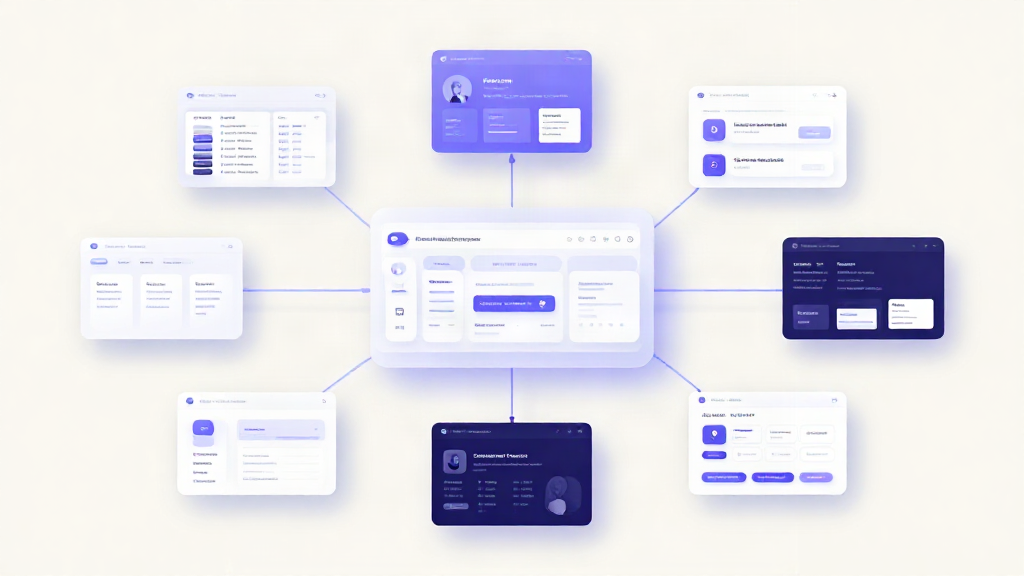
The cleaner path is a single control layer. One workspace where employees use multiple AI models, and one admin view where you govern access, shared knowledge, permissions, usage, and cost. That is the model Intrascope was built around: an AI control layer for companies that want governance without slowing daily work.
You give employees a familiar AI workspace. You keep the enterprise, or the small team, in control of identity, approved models, shared context, budgets, and audit.
For a broader team-level view, see AI governance for teams. For the CEO operating model, see how CEOs can standardise and control AI.
A simple starting checklist
If you are not sure where to begin, start here:
- List every AI tool your team currently uses and who uses it.
- Pick your approved model list and a short review process.
- Create shared context for your most reused company and project knowledge.
- Set role-based permissions for access and editing.
- Turn on usage analytics and set per-model spending limits.
- Review the dashboard weekly and adjust.
The bottom line
AI governance for an SMB is not bureaucracy. It is the difference between AI being a managed asset and AI being a slow leak of money, data, and consistency.
Start with model access, add shared context, enforce sensible permissions, and put cost controls in place. Do those four things in one place and you get the flexibility your team wants with the control your business needs, without slowing anyone down.
Start a 7-day free trial, or talk with us if you want help mapping this checklist to how your team already works.