Blog/
Intrascope vs TypingMind: Flexible AI Chat vs a Governed Team Workspace
By Vladimir Krstic, Founder at Intrascope
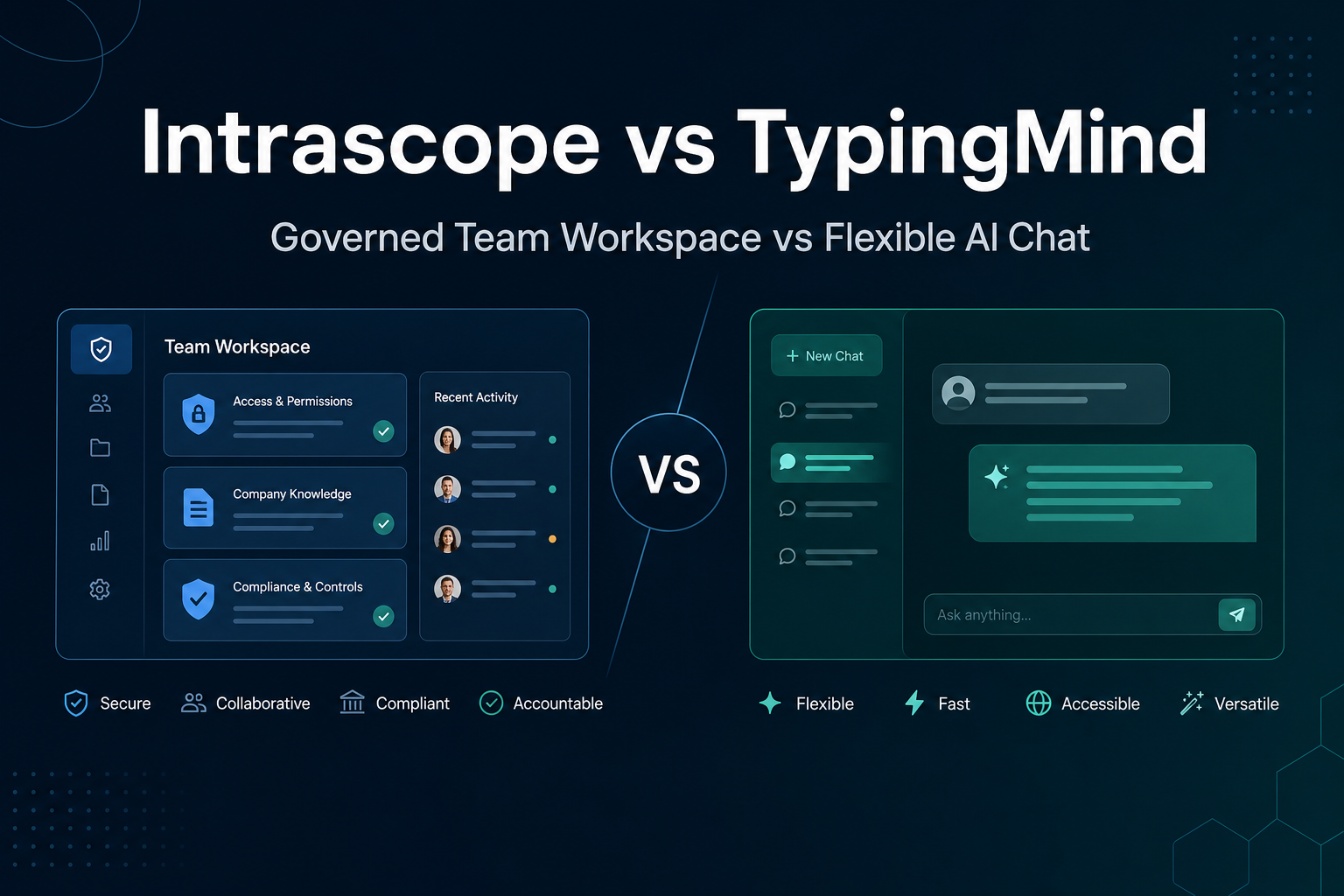
Intrascope vs TypingMind compares two tools that both support multiple AI providers. TypingMind is a powerful, flexible AI chat frontend popular with power users. Intrascope is a managed AI workspace built for company structure, governance, and team-wide visibility.
Teams often discover TypingMind when they want BYOK access to many models in one interface. The question becomes whether flexibility alone is enough once more people, projects, and compliance requirements enter the picture.
What TypingMind does well
TypingMind is known for a rich chat experience with extensive customization. It supports multiple providers through BYOK, offers agents and plugins, and gives individual users significant control over how they work with AI.
- Multi-provider BYOK chat in one interface
- Agents, plugins, and deep customization options
- Strong appeal for technical and power users
- Flexibility to experiment with models and workflows
- Lower friction for individuals upgrading from raw provider UIs
For a small technical team that values customization over organizational controls, TypingMind is a capable option.
Where TypingMind becomes harder at company scale
1. Built for flexibility, not governance
TypingMind optimizes for user freedom. That is great for individuals. It is harder when leadership needs project separation, role-based permissions, model policy, and consistent company context across departments.
2. Organizational context stays fragmented
Prompts, instructions, and client background often live in personal chats or user-specific setups. There is no strong default for shared manifests, project-level rules, or company-wide standards.
3. Limited team-level visibility
Admins may struggle to answer operational questions: which team spent the most this month, which client project is driving usage, or who is using premium models for low-value tasks.
4. Management overhead grows with headcount
As more employees join, flexibility without structure creates inconsistency. Each person configures their own environment, and quality varies across the organization.
What Intrascope adds for teams
Intrascope keeps multi-provider access but wraps it in a workspace designed for companies.
- Project-based separation for clients, teams, and departments
- Shared Manifests for tone of voice, product info, and campaign rules
- Role-based user management with admin controls
- Usage analytics by user, project, and model
- Model limits and permissions set at the organization level
- One environment for both technical and non-technical team members
You still get BYOK economics. You also get the layer most fast-growing teams eventually need: usage monitoring and practical governance.
Side-by-side comparison
| Area | TypingMind | Intrascope |
|---|---|---|
| Primary focus | Flexible AI chat frontend | Managed team AI workspace |
| Best user profile | Power users and builders | Teams and business operators |
| BYOK | Strong individual BYOK support | BYOK with company-wide visibility |
| Customization | Agents, plugins, deep configuration | Governed workflows and shared resources |
| Projects | Chat-centric organization | Dedicated project workspaces |
| Shared context | Limited organizational sharing | Manifests and shared prompts |
| Admin controls | Basic team features | Roles, permissions, model limits |
| Analytics | Individual-oriented usage | Team and project-level analytics |
When each tool makes sense
Choose TypingMind if: your team values maximum interface flexibility, agents, plugins, and personal BYOK workflows, and you do not yet need strong organizational governance.
Choose Intrascope if: you want multi-provider access plus project separation, shared company context, admin controls, and visibility as AI spreads across the business.
Conclusion
TypingMind and Intrascope both support multiple AI providers. The difference is what happens when AI stops being a personal productivity tool and becomes company infrastructure. Intrascope is built for that transition.
Try Intrascope free for 7 days. No credit card required.
Intrascope for teams
Give your team one shared AI workspace instead of scattered accounts
Centralize model access, projects, manifests, and usage visibility. Start with a free trial or book a short walkthrough with our team.
7-day free trial · No credit card required
Closer to this topic: give your team access to more than one model.
Related articles