Blog/
Best AI Workspace for Teams in 2026: How to Choose a Shared Company AI Platform
By Vladimir Krstic, Founder at Intrascope
If you are searching for the best AI workspace for teams in 2026, you are probably past the experiment stage. Someone already used ChatGPT. Someone else prefers Claude. Marketing wants Gemini. Finance wants a bill that makes sense. Leadership wants control.
What you need is not another personal AI tool. You need a shared company AI platform: one place to give employees model access, keep project context, and manage usage without buying a pile of disconnected subscriptions.
This guide explains what an AI workspace for teams actually is, which search criteria matter, how popular options compare in practice, and how to choose the right setup for a small business, agency, or growing company.
What is an AI workspace for teams?
An AI workspace for teams is a shared environment where multiple people can use AI models under company ownership. Instead of private ChatGPT accounts and personal chat histories, the business controls users, access, projects, and spend.
A strong team AI workspace usually includes:
- access to multiple LLMs in one interface
- user invites and role-based permissions
- shared context for brand, clients, or departments
- project separation so work stays organized
- usage analytics by person, project, and model
- BYOK, managed usage, or both
That is different from a consumer chat app, and different from a single-vendor Team plan. If you need multi-model workflows specifically, read our guide to a multi AI workspace for teams.
Best AI workspace for teams: what buyers actually search for
People looking for this category usually type some mix of:
- best AI workspace for teams
- company AI platform
- shared ChatGPT for business
- ChatGPT Team alternative
- Claude Team alternative
- centralize AI tools for company
- BYOK AI chat for teams
- manage AI access for employees
Behind those queries is the same job: replace scattered personal AI usage with a governed company system. The best AI workspace for teams is the one that solves that job, not the one with the flashiest demo.
7 criteria that decide the right company AI platform
1. Multi-model access, not one provider lock-in
Teams rarely agree that one model wins every task. Writing, coding, research, and summarization often need different engines. Look for a platform that can host OpenAI, Claude, Gemini, DeepSeek, xAI, and others in one place.
2. Admin control over models and users
If anyone can use any premium model for every rewrite, costs explode. A real team workspace lets admins enable models, invite users, and set limits. That is the foundation of AI governance for teams.
3. Shared context that survives beyond one chat
Brand voice, client briefs, product rules, and SOPs should not live in private browser tabs. Look for reusable context layers, such as Manifests, and projects by client or department.
4. Usage visibility by person, project, and model
If finance cannot see who spends what, you do not have a company platform. You have a shared bill. AI usage monitoring should be table stakes.
5. BYOK and usage-based economics
Seat-based AI plans charge the same for light and heavy users. Many companies do better with bring-your-own-keys or managed token usage. We break that down in why API access is safer and cheaper than AI subscriptions.
6. Security and company ownership
Company work in personal AI accounts is a data risk. Prefer a workspace where keys are encrypted, access can be revoked, and knowledge stays with the business. See how Intrascope keeps API keys secure.
7. Fit for real workflows, not demos
Agencies need client projects. Marketing needs campaign context. Consulting needs regulated knowledge. Startups need cost control before subscriptions multiply. Choose the platform that matches how your team already works.
How common options compare in 2026
| Option | Best for | Main gap for teams |
|---|---|---|
| Personal ChatGPT / Claude / Gemini | Solo experimentation | No shared ownership, no team governance |
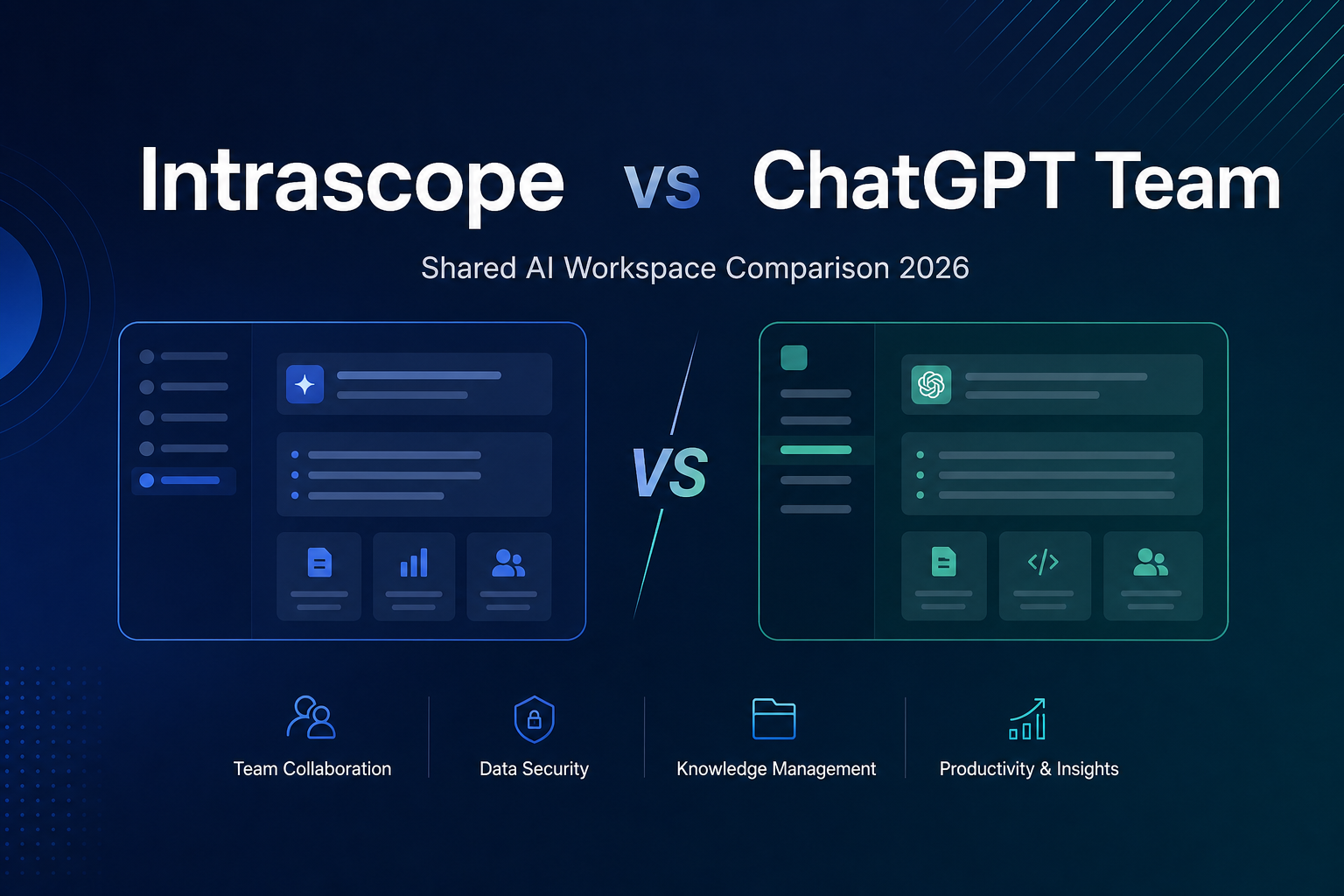
| ChatGPT Team | OpenAI-only companies | Single-provider lock-in and seat pricing; see Intrascope vs ChatGPT Team |
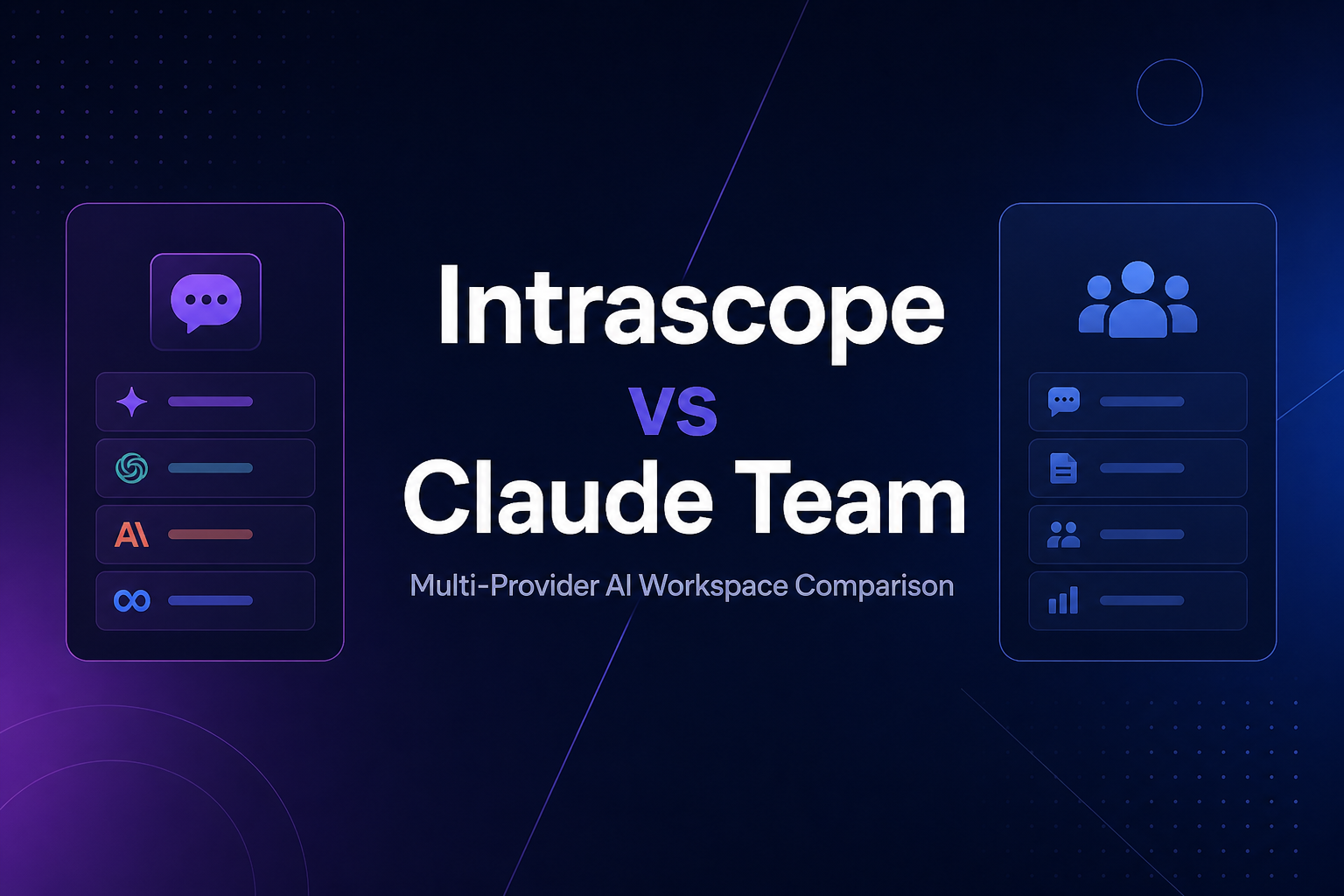
| Claude Team | Teams standardized on Anthropic | No multi-provider workspace layer; see Intrascope vs Claude Team |
| Personal multi-model chat tools | Power users with BYOK | Weak team governance; see Intrascope vs TypingMind |
| API routers / gateways | Developers needing model routing | Not a full business workspace; see Intrascope vs OpenRouter |
| Intrascope shared AI workspace | Agencies, startups, SMBs, and ops-minded teams | Built as company infrastructure: users, projects, manifests, analytics, BYOK/managed usage |
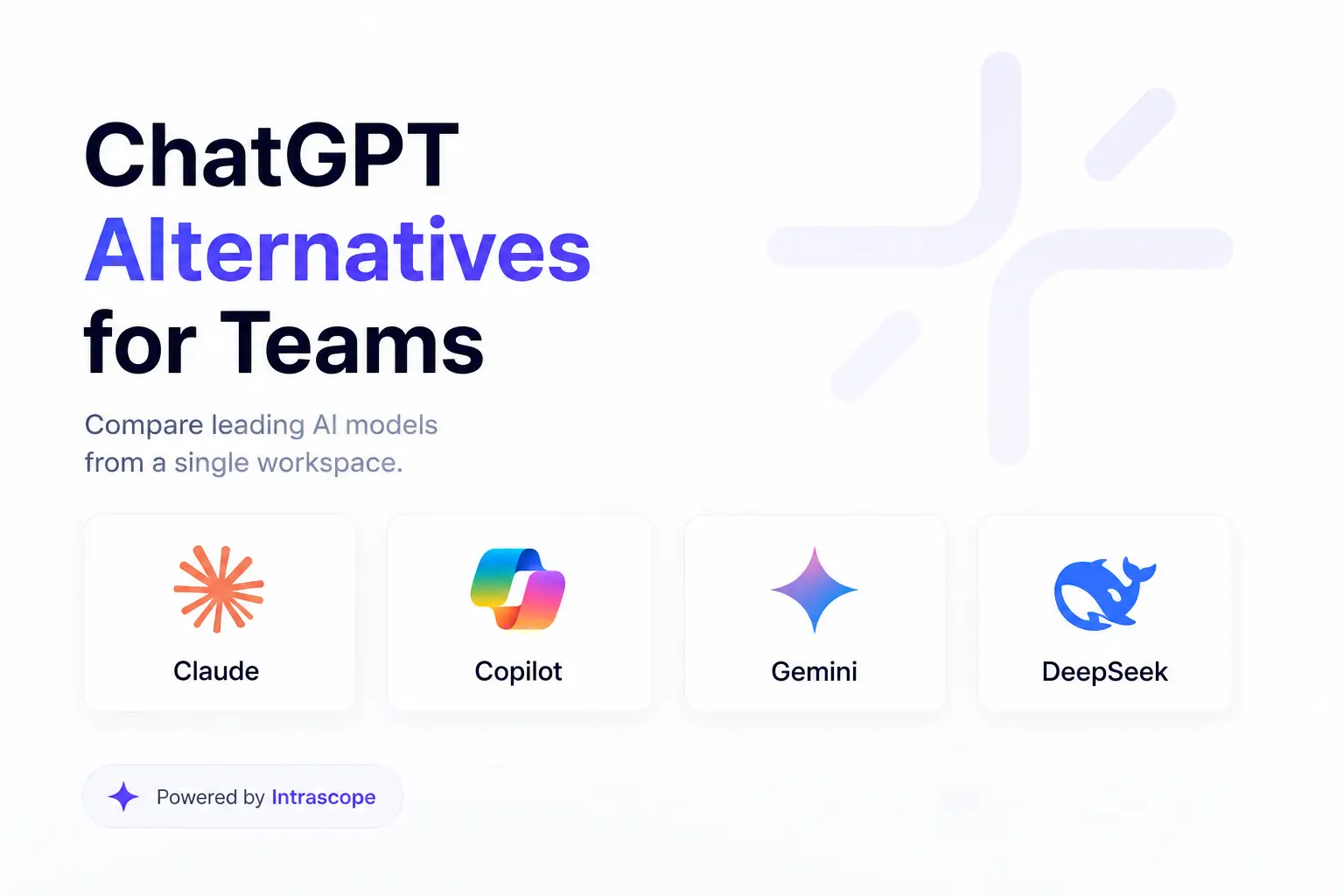
If your search intent is specifically “best ChatGPT alternative for teams,” start with our dedicated breakdown of shared workspaces vs individual accounts.
Best AI workspace for teams by use case
Agencies
Agencies need one project per client, brand manifests, and clear spend by account. Personal AI tools fail here because context leaks across tabs and models. See AI workspace for agencies and our 8-person agency case study.
Startups
Startups usually need speed and cost control before subscription sprawl spreads. A shared platform prevents every hire from getting another $20 seat by default. See AI workspace for startups.
Marketing teams
Marketing needs campaign context, tone consistency, and fast iteration from draft to final copy. Shared manifests matter as much as model choice. See AI workspace for marketing teams.
Operations and product teams
Ops and product teams benefit from reusable SOPs, discovery notes, and documentation workflows in one governed environment. See the pages for operations and product teams.
Pricing reality: seats vs usage
This is where many “best AI platform for business” comparisons fail. They talk about features and ignore economics.
A 10-person team buying personal Plus-style seats can spend around $200/month before anyone has shared project context. A 50-person company treating seats as the default quickly reaches four-digit monthly AI bills, even when most employees only need a few prompts a day.
In real Intrascope deployments, usage-based setups have looked very different:
- a 50-person consulting pilot spent $13 on first-month provider usage
- an 8-person marketing agency spent $27 running live campaign workflows
Those outcomes came from structured access, not from denying people premium models. Read the enterprise pilot and AI cost optimization for teams for the mechanics.
Why Intrascope ranks among the best AI workspace options for teams
Intrascope is built for the company layer, not as a prettier personal chat.
- Multi-provider workspace: OpenAI, Claude, Gemini, DeepSeek, xAI, Mistral, and Qwen in one interface
- Projects and Manifests: keep client and department context shared and reusable
- Admin controls: model access, limits, users, and spending visibility
- BYOK or managed usage: connect your keys or start faster without vendor account sprawl
- Automatic orchestration: send simple tasks to efficient models and reserve premium capacity for harder work
- Usage analytics: know what the company actually spends, by person and project
If the next wave of company AI is governance and infrastructure, the best AI workspace for teams is the one that makes that infrastructure usable day one. That is our thesis in the next wave of AI is governance and infrastructure.
Quick recommendation checklist
Choose a shared company AI platform if:
- more than a few people already use ChatGPT, Claude, or Gemini at work
- you want one place to manage model access and spend
- client or department context keeps getting lost in private chats
- you need multi-model flexibility without five separate tools
- seat pricing feels wrong because most users are light users
Stay on a single-vendor Team plan only if your company has already standardized on one model family and does not need multi-provider governance.
FAQ: AI workspace for teams
What is the best AI workspace for small teams?
For small teams and agencies, look for multi-model access, shared projects, and usage-based billing rather than forcing a seat on every employee. Intrascope fits that pattern well for startups, agencies, and lean ops teams.
Is ChatGPT Team the same as an AI workspace?
No. ChatGPT Team is a strong OpenAI workspace, but it is still tied to one provider. A broader company AI platform adds multi-model choice, cross-provider governance, and often usage-based economics.
Do we need our own API keys?
Not always. Some tools support BYOK for direct provider billing. Others include managed credits. Intrascope supports both, so teams can start managed and move to BYOK when they want deeper control.
How do we centralize AI tools across the company?
Pick one shared workspace, invite users, define projects, add shared context, set approved models, and retire personal shadow accounts over time. That is how you move from generative chaos to company infrastructure.
Key takeaways
- The best AI workspace for teams is a company platform, not a stack of personal AI accounts
- Buyers should score tools on multi-model access, governance, shared context, analytics, BYOK, and security
- ChatGPT Team and Claude Team solve access for one provider, not a full multi-model company layer
- Usage-based setups often beat seat pricing for real team workloads
- Intrascope is built as a shared AI workspace for agencies, startups, and growing companies
Conclusion
If you are evaluating the best AI workspace for teams in 2026, start with the company problem: ownership, governance, multi-model access, and cost control. Generative chat is everywhere. Shared AI infrastructure is still the gap.
Try Intrascope free for 7 days, follow the get started guide, or talk with us about the right setup for your team.
Intrascope for teams
Give your team one shared AI workspace instead of scattered accounts
Centralize model access, projects, manifests, and usage visibility. Try Intrascope or book a short walkthrough with our team.
7 days free · No credit card required
Closer to this topic: give your team access to more than one model.
Related articles